Overview:
To activate your account go to the Kyrocera webpage. CLICK HERE or the link can be found in your organization managed bookmarks.
Login using the Google link.
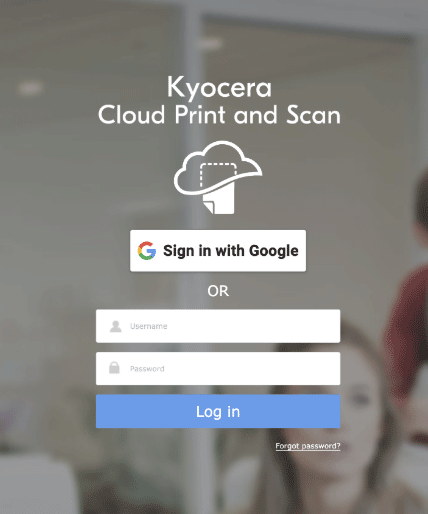
Click Sign in with Google. Enter your Google credentials to create an account.
Allow access to your Google account:
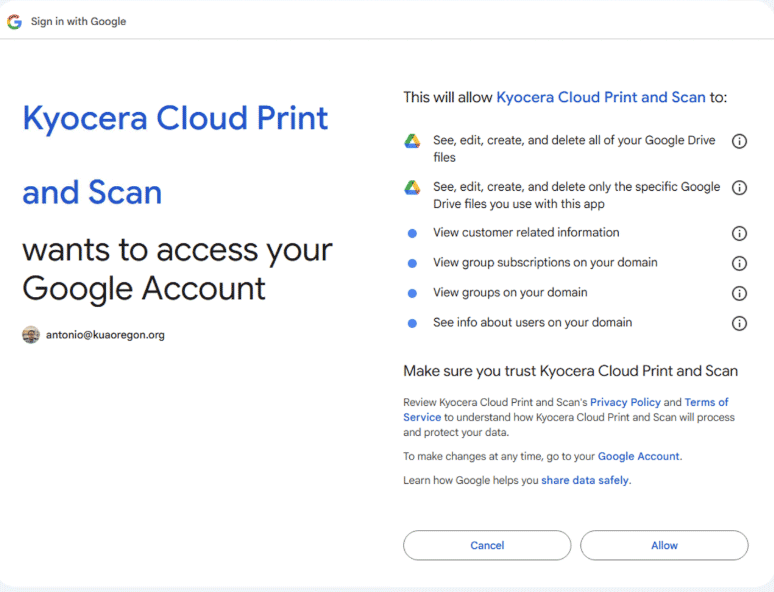
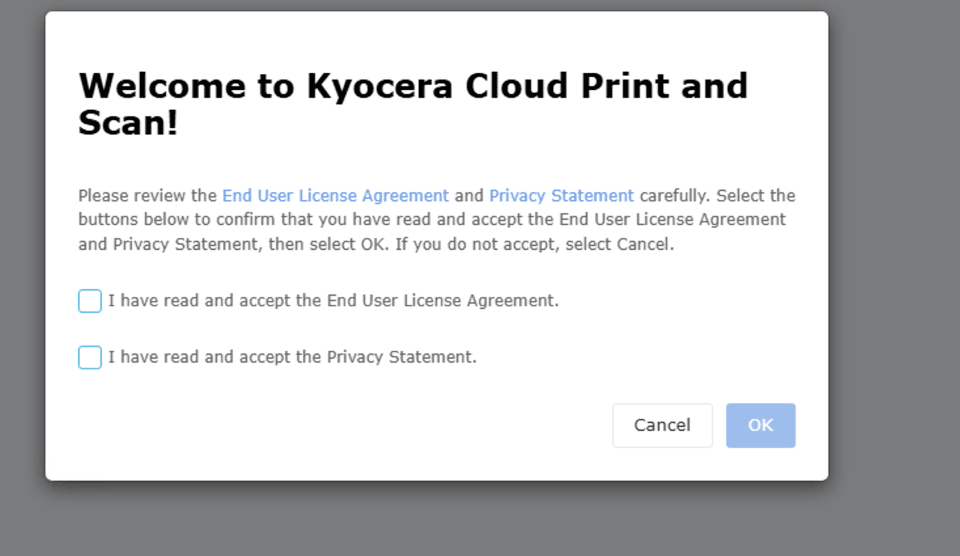
Agree to the end-user license agreement and privacy statement:
Once you have created an account you can link your keycard from the copy machine.
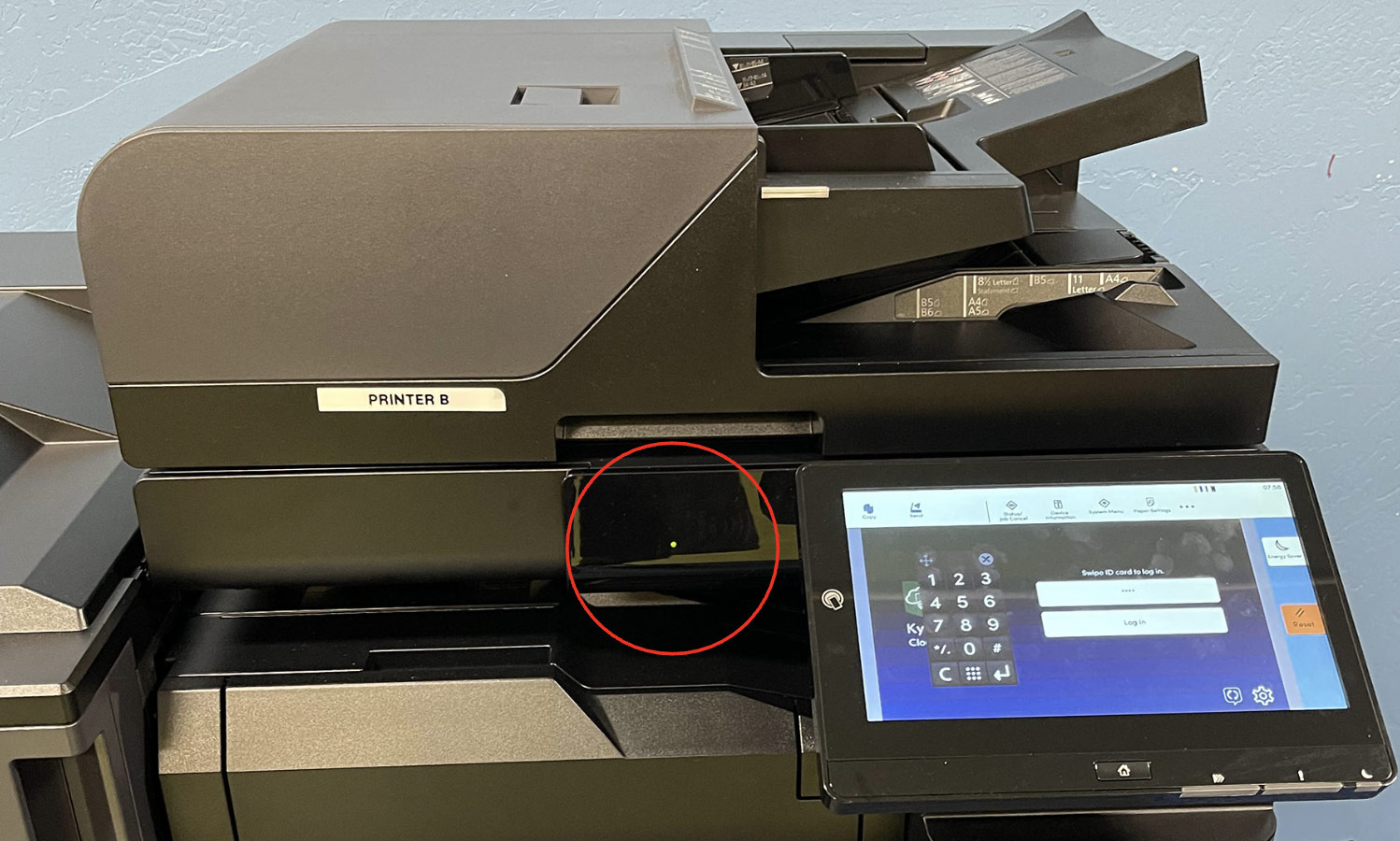
Simply scan your card on the machine and it will ask you what PIN to associate with the card.
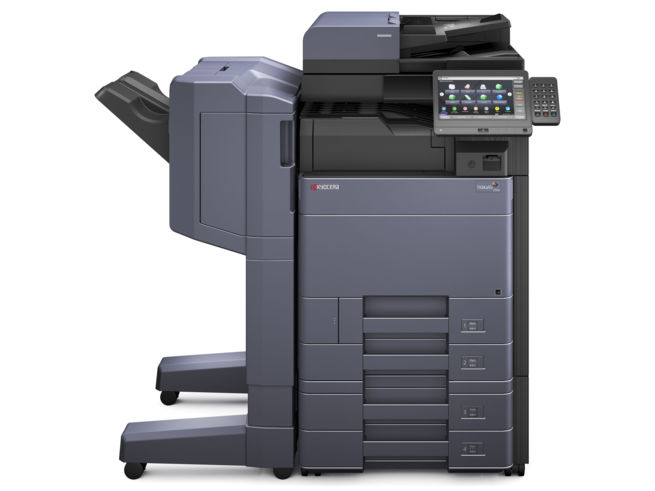
Touch your key FOB to the light on the copy machine:
Enter the PIN you find on the Kyrocera website.
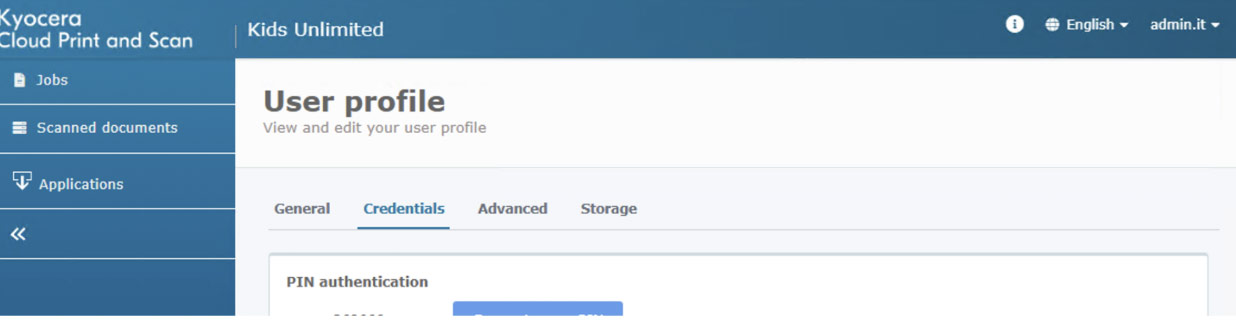
To see your printing PIN, click your username in the upper-right corner, then go to Credentials > PIN authentication.